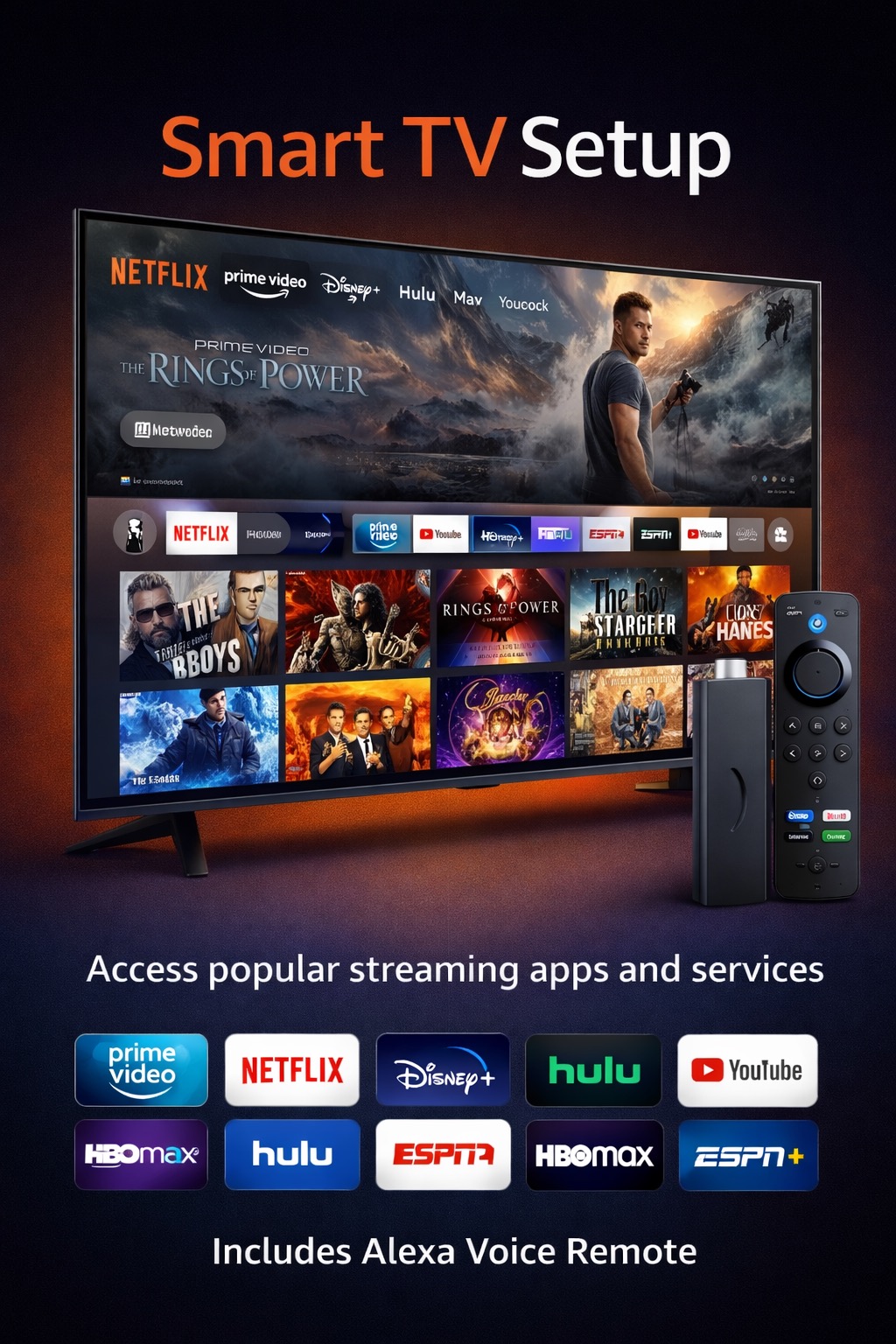
Native App Installation
Unlike Firesticks or Android boxes, Samsung and LG TVs run closed operating systems (Tizen and WebOS respectively). Therefore, you must use apps officially available in their App Stores to stream IPTV.
-
Step 1: Open the App Store
Press the Home / Smart Hub button on your TV remote. Navigate to the Apps or Content Store icon and press OK.
-
Step 2: Search for the Player
Select the Search (Magnifying Glass) icon. Type in "Eagle IBO Player". If it does not appear, you can also search for standard alternatives like "IBO Player" or "Smart IPTV".
-
Step 3: Install & Obtain MAC Address
Click Install. Once downloaded, open the application. The screen will immediately display a Device MAC Address and a Device Key. Write these down.
-
Step 4: Activation
To connect your Veroman Cloud subscription to your TV, you must upload your M3U Playlist to the app's website using the MAC address you wrote down. If you need assistance linking your playlist, contact our support team!